
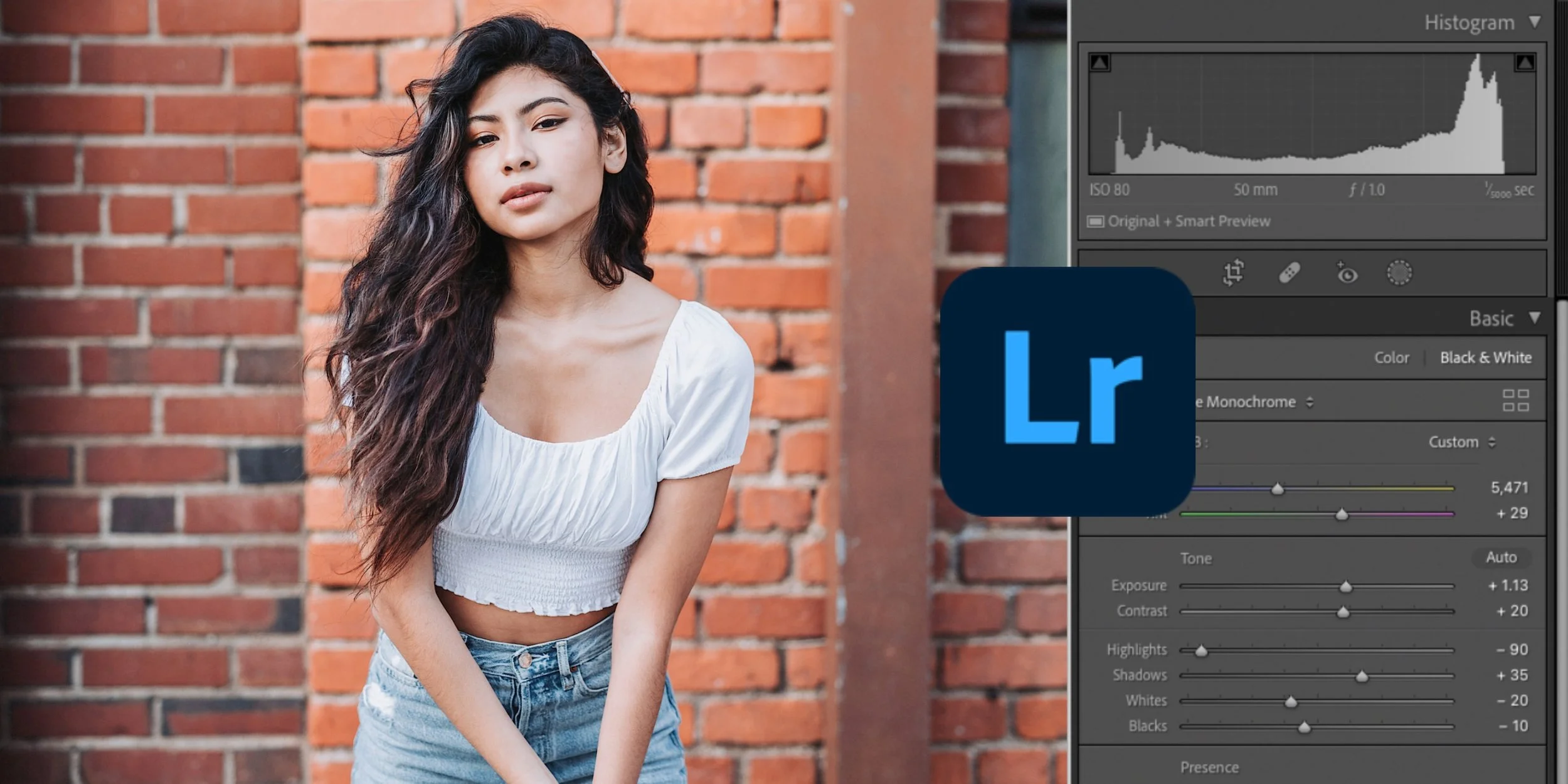
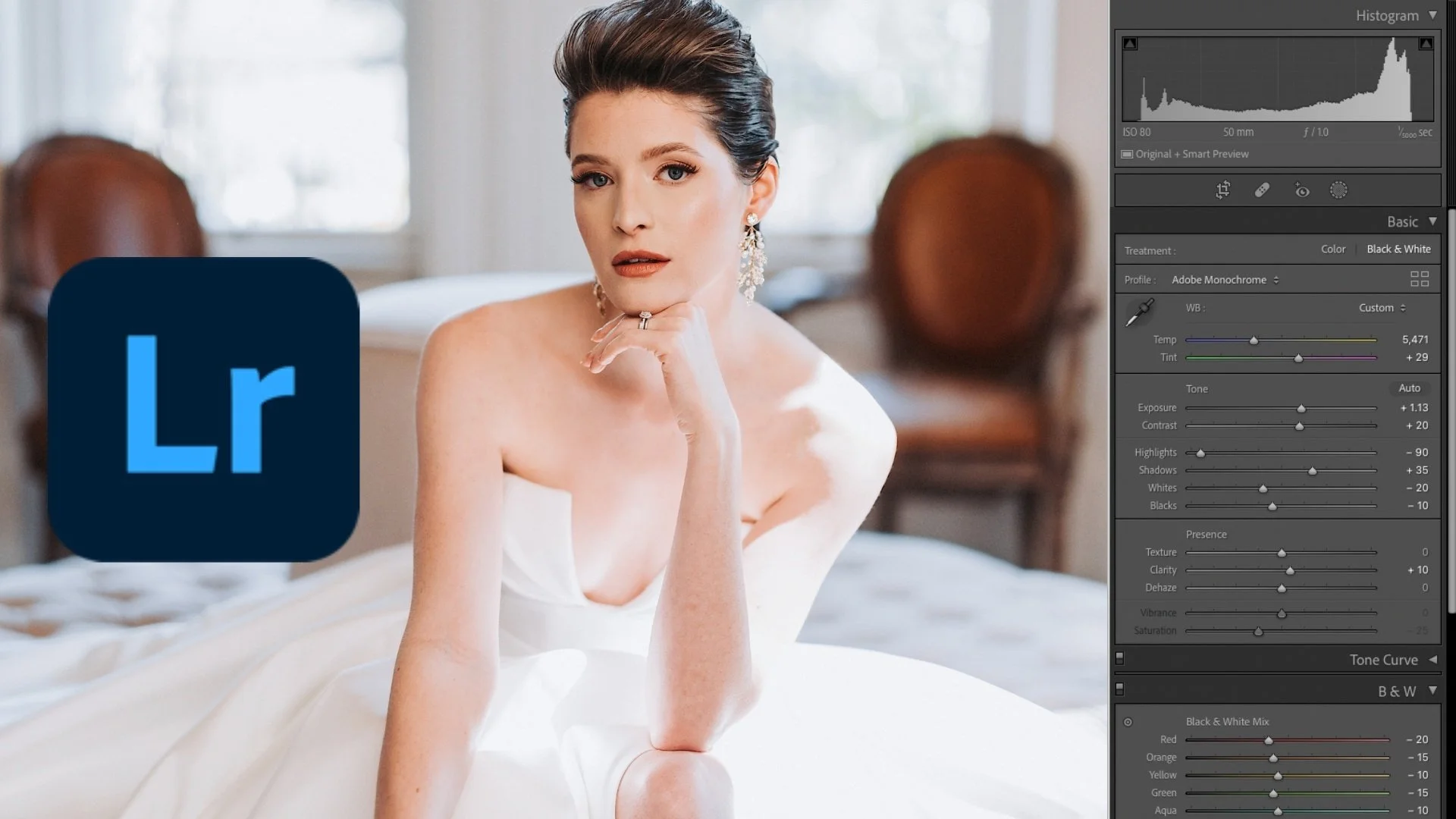
For the wedding photographer who wants consistent, beautiful results without spending entire weekends behind a screen.
You got into photography to be creative — not to sit in front of a laptop for hours wondering why your reception photos don't match your ceremony shots. But that's where a lot of us end up, especially early on. No real system, no repeatable process, just editing by feel and hoping the gallery comes together.
This course is the exact Lightroom workflow I've built and refined over 12 years and 200+ weddings. From the moment you import your images to the moment you hit export, you'll have a clear, step-by-step process that keeps your editing consistent and your turnaround fast — so you can deliver galleries your couples can't stop sharing, take on more weddings without burning out, and actually get your evenings and weekends back for the people who matter most.
27 lessons. 3.5 hours. Everything I wish someone had handed me when I was starting out.
Lightroom Classic Editing: Mastery for Wedding Photography

Wedding photographer John Branch IV introduces his Lightroom Editing course for wedding and event photographers. Learn a complete Lightroom Classic workflow — from importing and organizing your photos to culling, editing, creating presets, backing up your files, and delivering finished galleries to your clients. Built from 12 years of experience and 200+ weddings.
What You’ll Walk Away With
Understand what you're actually doing to your photos This isn't just "move these sliders until it looks good." You'll learn what each adjustment is actually doing and why — so you can make intentional editing decisions instead of guessing your way through a gallery.
A complete workflow from import to delivery Importing, organizing, culling, editing, exporting, backing up, delivering — the full process from the moment you pull the memory card to the moment your client gets their gallery. No gaps, no guesswork.
Never lose a photo again If you're a wedding or event photographer, lost images are a nightmare scenario. You'll learn how to organize your catalog and back up your files so you can sleep at night knowing everything is exactly where it should be.
Edit faster without cutting corners Learn how to build and use presets, sync settings across a full wedding day, and batch edit efficiently — so you're delivering a stellar product to your clients in less time than it's taking you right now.
Who This Course is For
This course is for you if:
You're a wedding, portrait, or event photographer who wants to get faster and more consistent in Lightroom Classic
You've been editing by feel and want an actual repeatable system
You're new to Lightroom and feel overwhelmed by all the panels and sliders
You've been shooting weddings but your editing workflow is slowing you down
This course is probably not for you if:
You're already running a tight Lightroom workflow and just want advanced retouching techniques
You're looking for Photoshop-heavy compositing or heavy skin retouching — this course is focused on Lightroom Classic
Adrian Robinson
As a wedding professional I thought I knew all there was to know about Lightroom. You need this course!
Bonnie Potter
Very thorough, step-by-step, and easy to understand. I have watched many of John's YouTube videos and love his style of conversation.
Eduardo Guerrero
Learned a lot and definitely made my life way easier.
What’s Inside?
27 lessons · 3.5 hours of video · Lifetime access
The full curriculum from first open to final delivery:
Getting Started — Lightroom layout, customization, and the key commands that'll save you hours
Importing & Organization — Setting up your catalog and import settings so nothing gets lost
Culling — How to get through thousands of images quickly using The Yes Method
Editing — The core of the course. Slider-by-slider breakdown, building presets, editing for speed, workflow for full wedding days, plus how to use Lightroom with Photoshop when you need it
Exporting & Delivery — Export settings, backups, and getting galleries to your clients
Lightroom Mobile — Editing on the go when you need it
$97 — One payment. Lifetime access.
Includes all 27 lessons, course resources, future course updates, and question support.
Meet Your Instructor
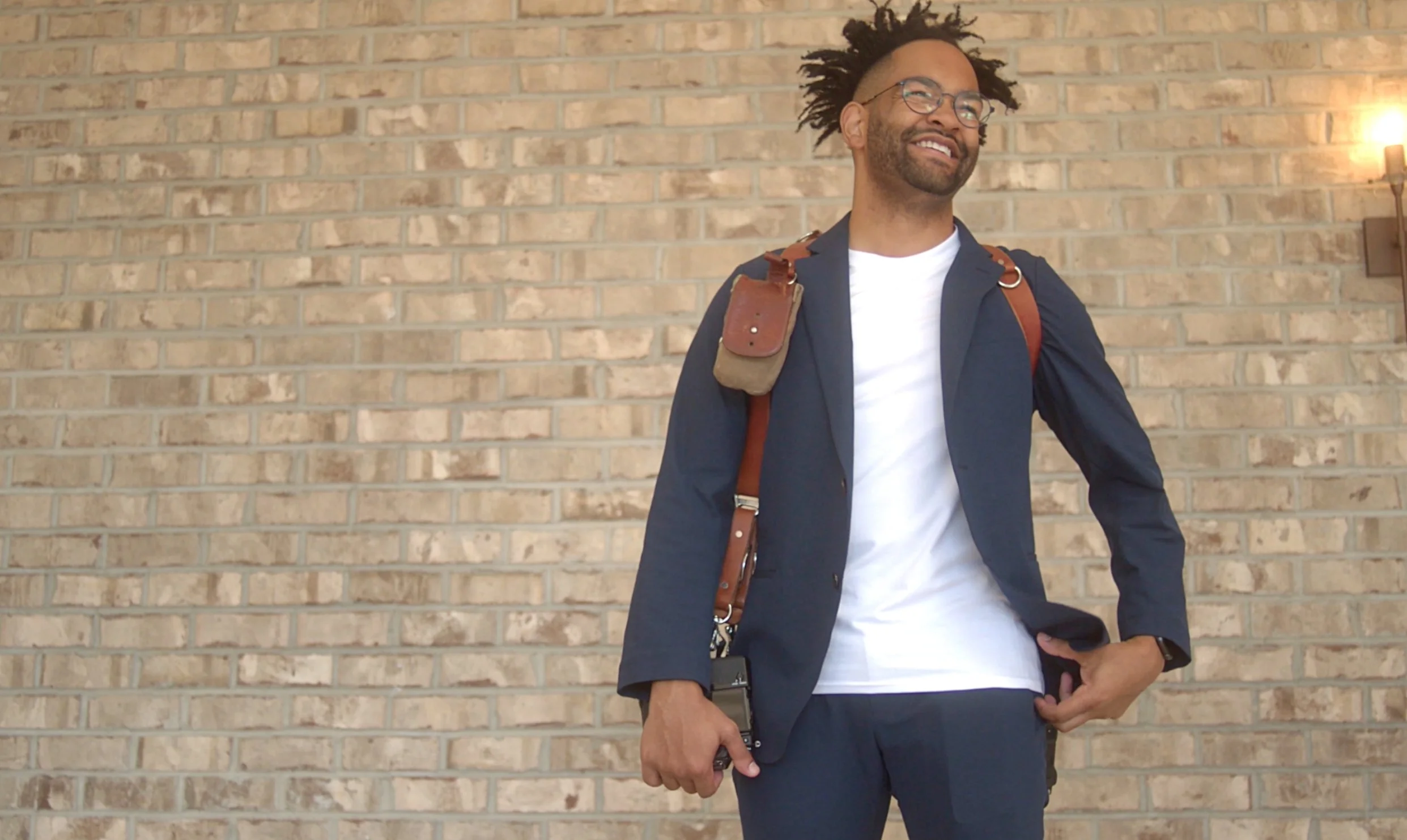
Hi, I'm John Branch IV
I'm a wedding photographer based in Raleigh, NC with 12 years of experience and over 200+ weddings under my belt. My work has been featured in Style Me Pretty, Essence, and Munaluchi Bridal, and I was named one of Rangefinder's 30 Rising Stars.
Outside of shooting weddings, I share everything I've learned about photography, editing, and running a business with over 260,000+ photographers on my YouTube channel. Teaching has become one of my favorite parts of what I do — there's nothing better than watching another photographer have that moment where everything clicks and their business takes off.
Before going full-time as a photographer, I worked at Apple and Squarespace, which gave me a foundation in creativity and problem-solving that still shows up in how I approach my work today. This course is the Lightroom Classic workflow I spent years building through trial and error — and I put it together so you don't have to figure it all out the hard way like I did.
FAQs
-
Not at all. The course starts from scratch and assumes you're opening Lightroom for the first time. If you know the basics of taking photos, you're ready.
-
The course is built around Lightroom Classic, which is included with any Adobe Photography Plan. Lightroom CC/Mobile is also covered briefly.
-
Forever. Buy once, come back anytime. You even get access to any future updates to the course.
-
The techniques work for any genre, but the course is built specifically for wedding and event photographers who are dealing with thousands of images per session. The workflow is designed around editing large galleries quickly and efficiently — from culling down thousands of photos to delivering a polished final product to your clients without spending days behind a screen.
-
The course includes a discount on the Natural Feels Preset, which is the preset I use and teach with throughout the course. You can grab it separately on my presets page.